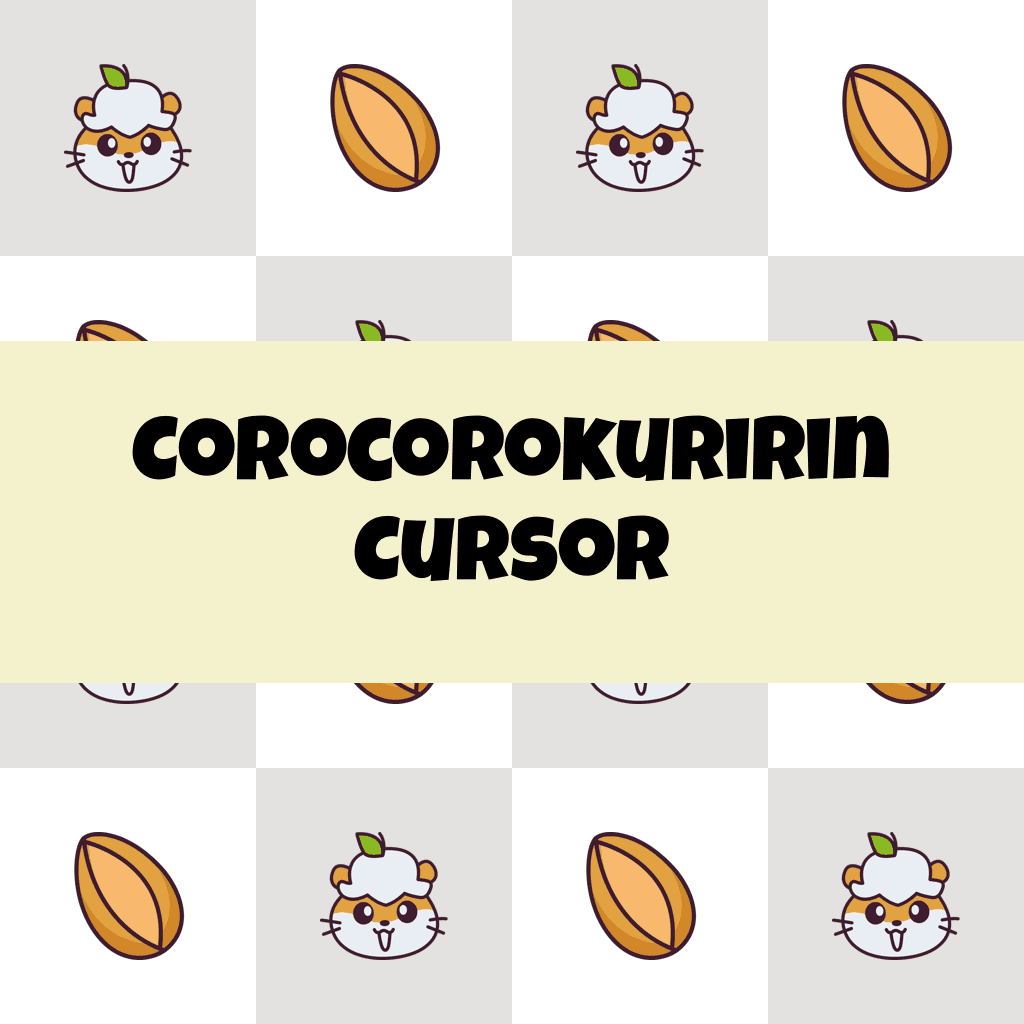
Corocorokuririn Cursor

Corocorokuririn cursor cursor pack
Preview Corocorokuririn cursor custom cursor pack
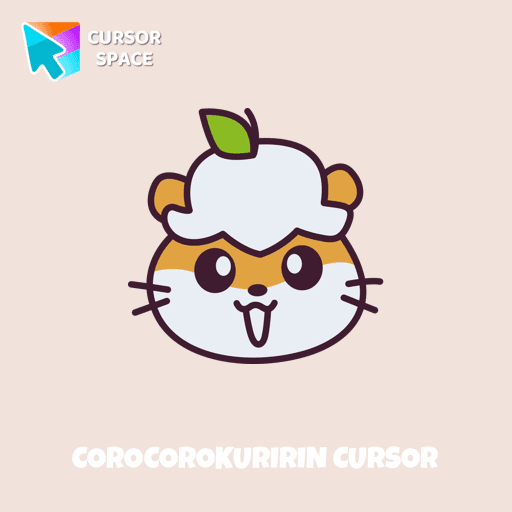
Corocorokuririn cursor arrow cursor
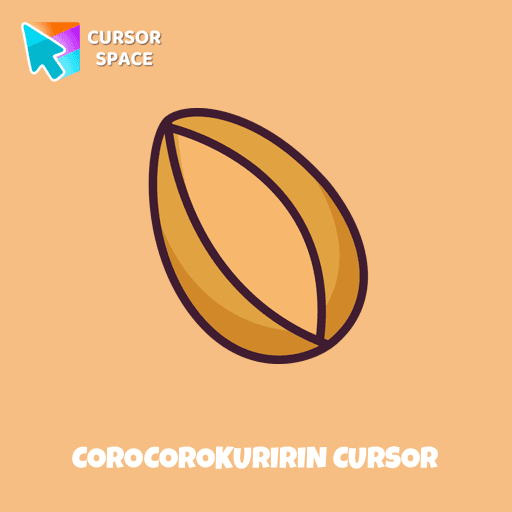
Corocorokuririn cursor pointer cursor

Description

Kuririn is a very curious golden hamster. He enjoys collecting stuff from around the house to make playhouses and is very good at fitting into tiny spaces. Use a cute hamster as a custom cursor for mouse and pointer from our Hello Kitty custom cursors collection for Chrome.

What's included in the package

  • Default Cursor
  • Pointer (Hand)

How to install a custom cursor pack Corocorokuririn Cursor
  1. Install the Cursor Space extension for Chrome or Cursor Space for Edge in your browser.

  2. On this page, click "Add this cursor pack to the extension".

  3. Open the extension and go to the Packs tab.

  4. Find the custom cursor pack "Corocorokuririn cursor" and click it.

  5. Enjoy!

Ready to install?

Get this cursor pack and thousands of others by installing our extension. It's fast and free!

About this cursor pack

Corocorokuririn Cursor is a themed cursor pack you can add to your browser to personalize your pointer across common cursor states (default and pointer). Use it for everyday browsing, streaming, studying, or gaming-anywhere you want your cursor to match your vibe.

Instant preview

See how the cursors look before installing.

Easy install

Add the pack to the extension in a few clicks.

Works in your browser

Designed for Chrome and Edge via the extension.

FAQ

Quick answers to common questions about cursor packs, collections, and installation.

Do I need an extension?

Yes. To apply cursor packs in Chrome or Edge, install the Cursor Space extension and add this pack to it.

Which browsers are supported?

Cursor packs are designed for Chromium browsers like Chrome and Microsoft Edge.

How do I switch back to the default cursor?

Open the extension, choose another pack or disable the current one to return to your default cursor.

Popular cursors today

Custom cursor and packs - neon, anime, pixel art. Quickly add to Chrome and Microsoft Edge for free

  • TOP 1
    Instagram cursor

    Instagram cursor

    (217)
    Free

    Enhance your browsing with the Instagram custom cursor for Google Chrome. Sleek and stylish, it’s perfect for Instagram fans looking to personalize their cursor.

  • TOP 2
    Red Line cursor

    Red Line cursor

    (25)
    Free

    Enhance your experience with The Red Line custom cursor, which combines sleek minimalism with bold style and practical design for desktop and browsing.

  • TOP 3
    Purple cursor

    Purple cursor

    (124)
    Free

    Elevate your browsing experience with a purple custom cursor, infusing your screen with a sense of mystery, creativity, and uniqueness.

  • Among Us Space Character cursor

    Among Us Space Character cursor

    (213)
    Free

    Introducing the Among Us Space Character Cursor

  • Wanda cursor

    Wanda cursor

    (223)
    Free

    Transform your browsing experience with the Wanda custom cursor for Google Chrome. Featuring the powerful Wanda Maximoff, this magical cursor adds enchantment to your screen

  • TopTop cursor

    TopTop cursor

    (18)
    Free

    Enhance your digital experience with the TopTop custom cursor - a vibrant and lively design that adds playful charm and practicality to your desktop!

  • The Pug Pixel cursor

    The Pug Pixel cursor

    (67)
    Free

    Custom cursors with Pug Pixel are a great option in a Cute Pixel cursor collection.

  • The Mole cursor

    The Mole cursor

    (71)
    Free

    The Mole custom cursor for Google Chrome adds a fun and quirky touch to your browsing. Inspired by a small mole, it brings a playful alternative to the default cursor.

  • Mechanical cursor

    Mechanical cursor

    (248)
    Free

    Upgrade your desktop with the Mechanical custom cursor, a sleek blend of technology and elegance for a futuristic browsing experience.

Collection hits

Installation leaders from "Hello Kitty": free packs, neon/anime/pixel art, quick add to Chrome and Edge.

  • TOP 1
    Hello Kitty and Strawberry cursor

    Hello Kitty and Strawberry cursor

    (188)
    Free

    You can are able to select different outfits for your custom cursor with Hello Kitty to customize the looking.

  • TOP 2
    Red Riding Hood Hello Kitty cursor

    Red Riding Hood Hello Kitty cursor

    (115)
    Free

    Add Red Riding Hood cursor in the collection of custom cursors with Hello Kitty for the browser.

  • TOP 3
    Hello Kitty Harley Quinn cursor

    Hello Kitty Harley Quinn cursor

    (102)
    Free

    Harley Quinn Kitty Cursor was created especially for Halloween for our Hello Kitty custom cursors collection for Chrome.
  • Hello Kitty Unicorn cursor

    Hello Kitty Unicorn cursor

    (84)
    Free

    Meet the custom cursor with Hello Kitty as a unicorn for Chrome in a Hello Kitty custom cursor collection for mouse and pointers.

  • Chi Chai Monchan cursor

    Chi Chai Monchan cursor

    (73)
    Free

    Is a Sanrio character who is a monkey. If you want to change the default cursor to Chi Chai Monchan, you are welcome to our collection of cursors Hello Kitty in a variety of moods.
  • Landry cursor

    Landry cursor

    (64)
    Free

    Landry pointer for mouse and a funny rubber duck cursor in our custom cursor collection for mouse and pointer in Hello Kitty design.
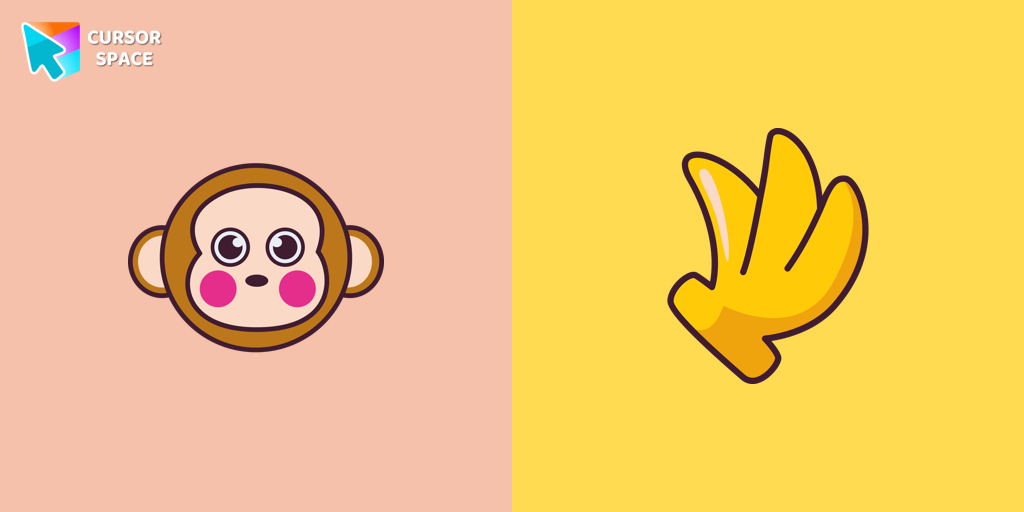
  • Monkichi cursor

    Monkichi cursor

    (62)
    Free

    Add a Monkichi cursor from our custom cursors collection for mouse and pointer in Hello Kitty design.

Install Cursor Space - A Collection of Custom Cursors for Chrome & Edge

Add packs instantly and unlock access to thousands of cursors: neon, anime, pixel-art, and more. Fast, safe, and free.

  • Free cursor packs
  • HD/HiDPI & animated icons
  • Quick browser installation

Cursor Space is an extension for changing your mouse cursor in Chrome and Edge browsers: themed collections, HiDPI icons, neon, animated, and pixel cursors, with quick installation.

Install Extension

To use packs with one click, you need our free browser extension. Install it and come back!